
THE EVENTSUNO GUIDE
Venue schedule, parking and access information
Check an event venue calendar alongside directions, parking, access notes and official seating information.
By Eventsuno Teams · Updated 23 September 2026
Start with the venue schedule
Venue pages connect current event dates with the building address and listed source information. Search the venue name or browse the venue directory, then open an event to confirm the exact session, date and provider link.
Treat parking as a separate check
A nearby car park or street listing is a location, not a reservation. Confirm opening hours, event-day restrictions, payment methods, vehicle limits and the route to the correct entrance with the operator or venue.
Use official seating information
Eventsuno does not create seating charts or promise a particular view. When a seating map matters, follow the official event or venue link and check the event-specific layout, restricted-view notes and accessibility arrangements before buying.
Plan access and the journey home
Ask the venue about step-free routes, accessible tickets, assistance and facilities for the particular event. Check the last public transport service and pickup instructions before you leave. A venue page gives context; the provider and venue remain the source for final arrangements.
Explore current listings
These event dates come from the current Eventsuno calendar. Open each listing for its source, venue and last-checked details.
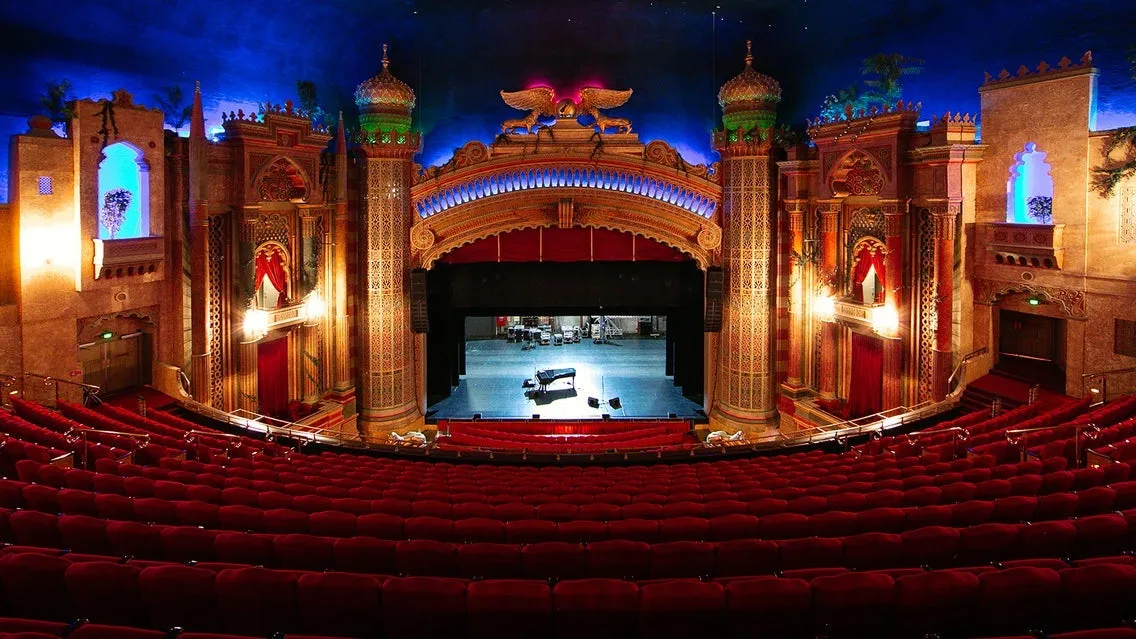 24SEPMore events
 24SEPMore events
Thu, 24 Sep 2026 · 10:00
Faculty of Arts and Education
Great Hall, Auckland Town Hall · Auckland
Explore event 24SEPTheatre & arts
 24SEPMore events
 24SEPMore events
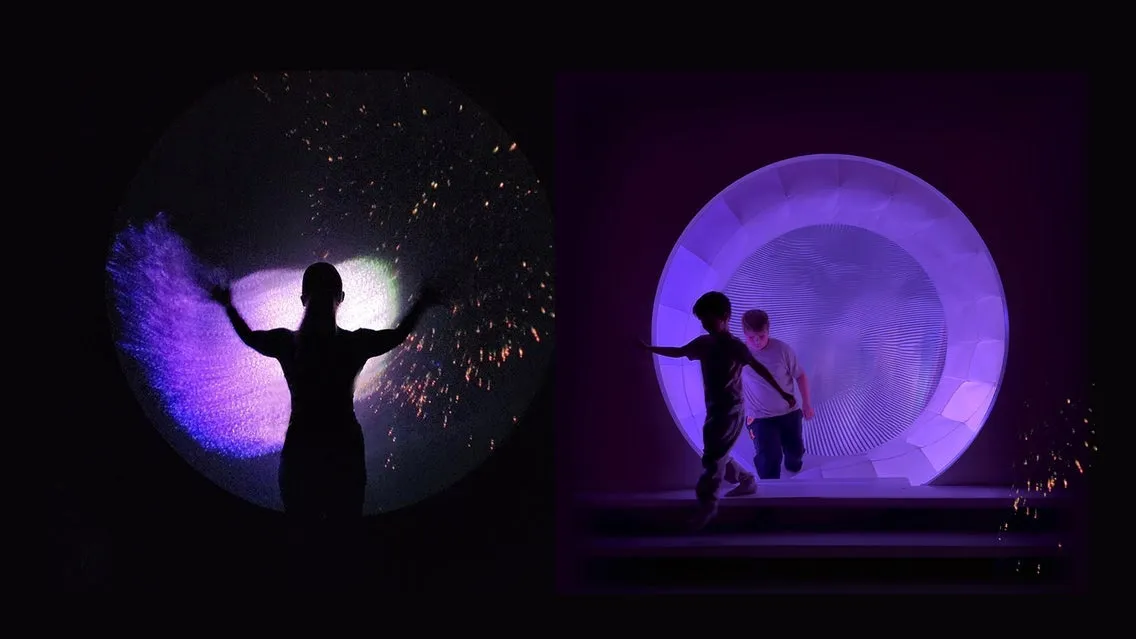 24SEPTheatre & arts
Thu, 24 Sep 2026 · 10:00
IMAGINATOR
The District Docklands - underneath the Melbourne Star · Docklands
Explore eventCity calendars
Continue planning
Use the live event calendar and related planning guides to turn this information into a practical itinerary.